Higher Education Know-how
Digital Media: How to Become a Professional Producer – Master Three Key Skills
📅 Last Updated: February 23, 2026
In the digital age, moving image has become an indispensable form of expression. From film and television to online platforms, and from advertising and animation to games, digital imaging is everywhere. If you want to work in the digital media industry and develop a career in video production, you need to master a wide range of skills. This includes everything from initial creative concepts and filming techniques in the middle stages, to the production skills using professional software in post-production. It's also vital to seize practical opportunities and learn from hands-on video making.
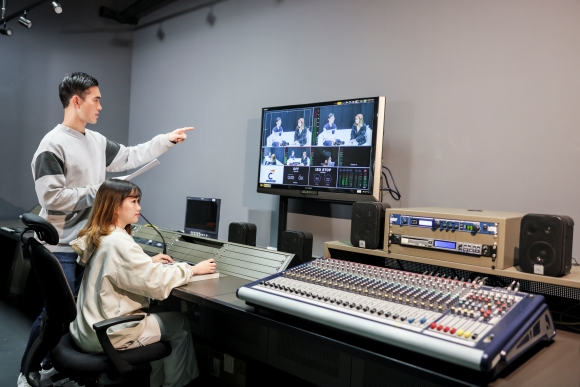
3 Key Skills for Digital Media:
- Pre-Production: Creation and Planning
A successful video always starts with a good story. In the pre-production stage, you need to master the following:
- Discovering Creative Inspiration: Inspiration can come from anywhere – observing life, current affairs, personal experiences, and so on. You need to pay close attention to the people, events and things around you to cultivate keen observation, imagination and thinking skills, which will allow you to generate a constant stream of ideas.
- Constructing a Story Structure: A clear structure ensures the logical flow of the story, making it easier for the audience to understand the plot development. This includes the beginning, development, climax and ending. Learn how to build a compelling story structure, set up foreshadowing and plot twists, while also controlling the pace to avoid dragging or rushing the story. This will make your video more engaging.
- Writing a Script: The script is the blueprint of the video and the foundation of video production. Use clear and smooth writing to describe the story's development, characters' actions and dialogue, scene settings and other important details.
- Creating Storyboards: Storyboarding is the visualisation of the script; it's the process of turning words into images. A series of drawings or sketches are used to present the composition of each shot, character movements, camera movements and special visual effects, like a preview of the video. Storyboards help the director and production team plan the shoot more precisely and serve as a basis for post-production.
- Preparation and Planning: Before shooting, plan the production schedule and workflow. Simultaneously, scout locations, set up scenes, and find suitable actors, costumes and props to reflect the style and content of the story.
- Mid-Production: Filming
Filming is the core part of video production. Learn how to capture those perfect moments!
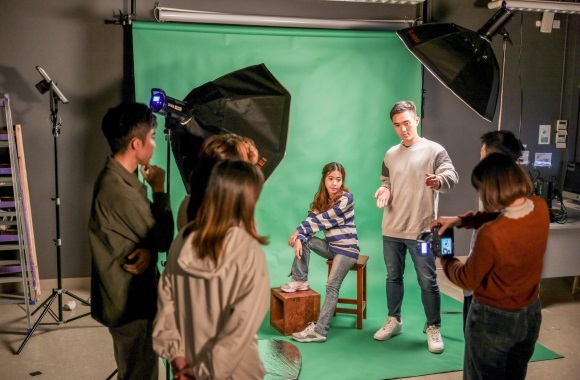
- Filming Techniques: Use elements such as composition, lighting and colour to capture stunning visuals. For example, master filming techniques in different lighting conditions, using light to shape the image and create atmosphere, enhancing the quality of the video.
- Camera Language: Use different camera angles, movements and depths of field to guide the viewer's eye and drive their emotions. Successfully using camera language to convey information and emotion, guiding the audience to think and feel, will make your video more entertaining and impactful.
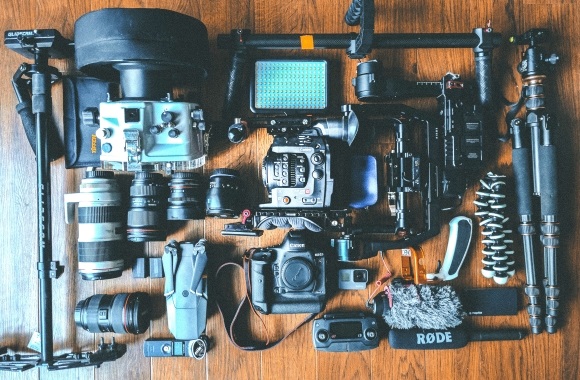
- Equipment Operation: ‘If you want to do a good job, you must first sharpen your tools.’ Familiarise yourself with the operation of various filming equipment, such as camera settings, types of lighting, light control tools, sound recording equipment and other auxiliary equipment. This ensures smooth shooting and control over the quality of images and sound, allowing you to produce professional, high-quality work.
-
Post-Production: Editing
Post-production is the final stage of video production and a crucial step. Post-production can complete the video and enhance its effects.
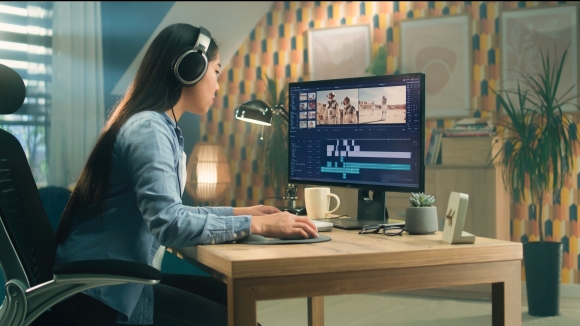
- Editing Techniques:Use editing software such as Adobe Premiere and DaVinci Resolve to process footage, editing raw materials into a complete video, controlling the pace and building a narrative style.
- Special Effects Production: Learn how to use special effects software, such as Adobe After Effects, to add special effects elements to the video and enhance its visual impact. This includes visual effects (VFX), motion graphics, compositing and colour correction.
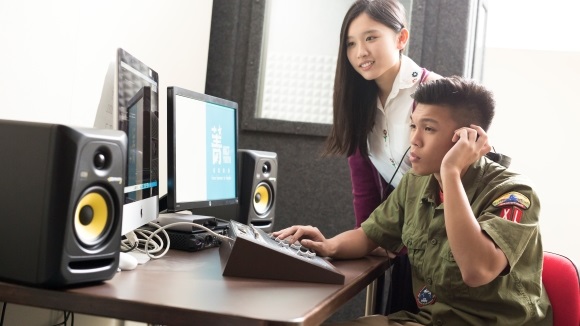
- Sound Design and Mixing: Learn how to use audio software, such as Adobe Audition, to enhance the video's auditory experience. This includes sound design, music, dubbing and mixing.
While theoretical knowledge is important, practice is the only standard and method to demonstrate what you have learned. If you plan to develop in the digital media industry, you must participate in actual video production projects to apply your knowledge and skills to practice and accumulate valuable experience. After each project, you need to reflect and summarise, identify shortcomings and continuously improve. At the same time, you need to learn to appreciate and watch excellent video works, learn their techniques and methods, and improve your aesthetic and creative abilities.
Digital Media Programmes: Preparing for professional producer
Mastering the above key skills requires continuous learning and constant refinement. If you are just a 'newbie filmmaker', taking a professional programme would be a quick way to fully master the necessary skills.
HKCT provides digital media related programmes:
Higher Diploma in Creative Design and Media (Moving Image)*
Diploma in Creative Design
*This programme is subsidised under Study Subsidy Scheme for Designated Professions/Sectors (SSSDP). In the 2025/2026 academic year, a subsidy of up to $40,730 per academic year will be provided to each eligible local student admitted to this laboratory-based programme. The first-year tuition fee after subsidy is $17,270.